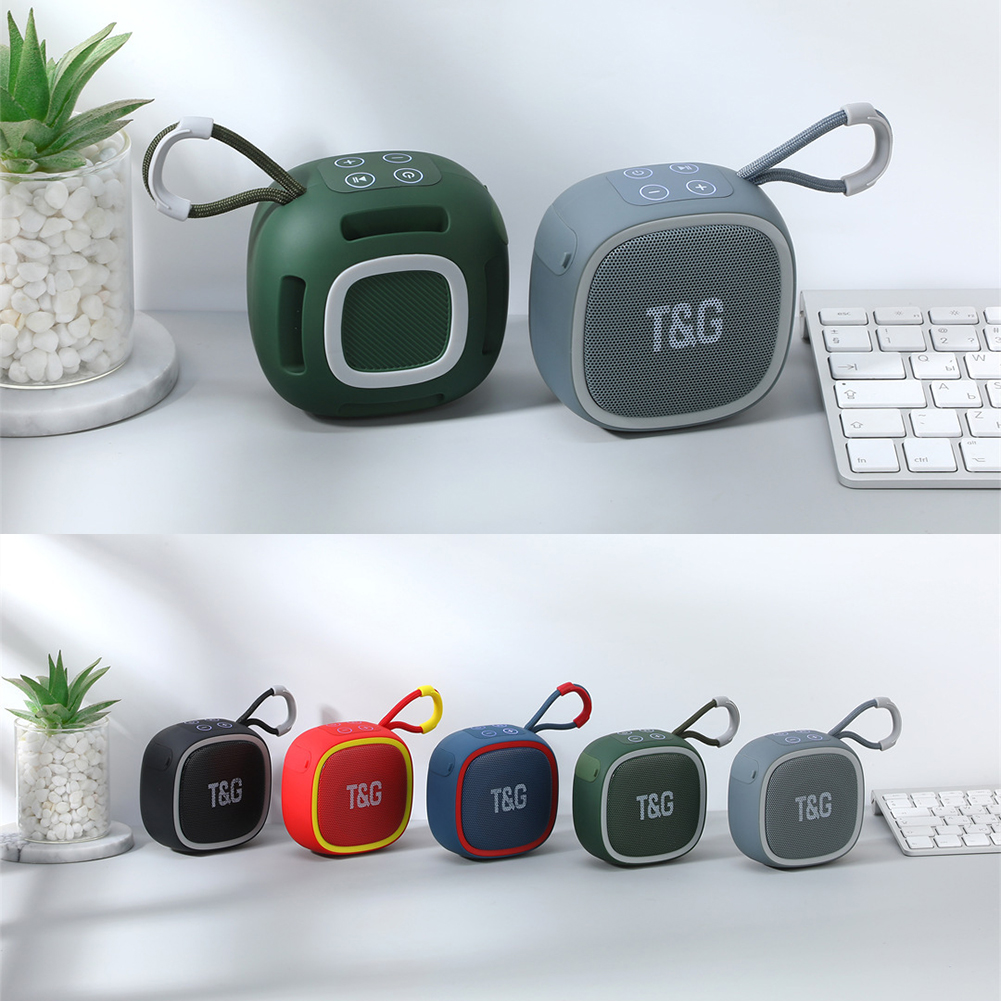
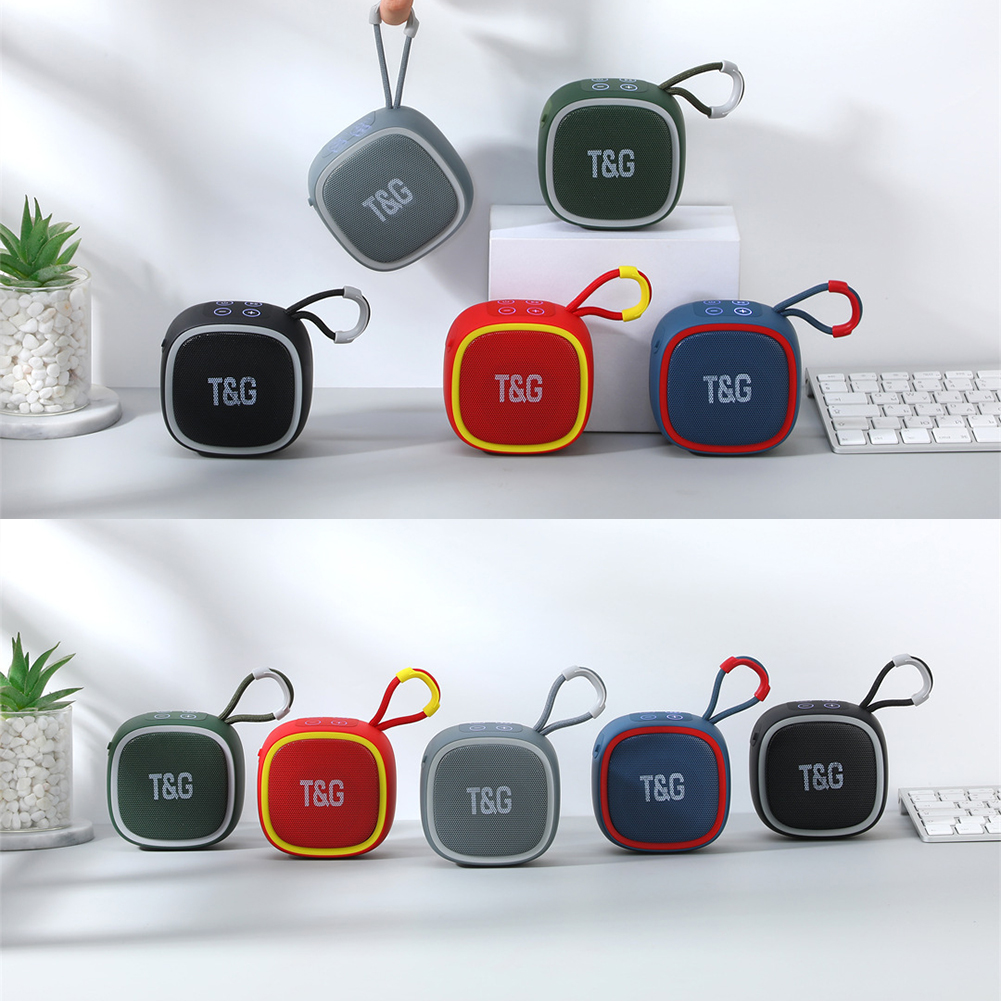
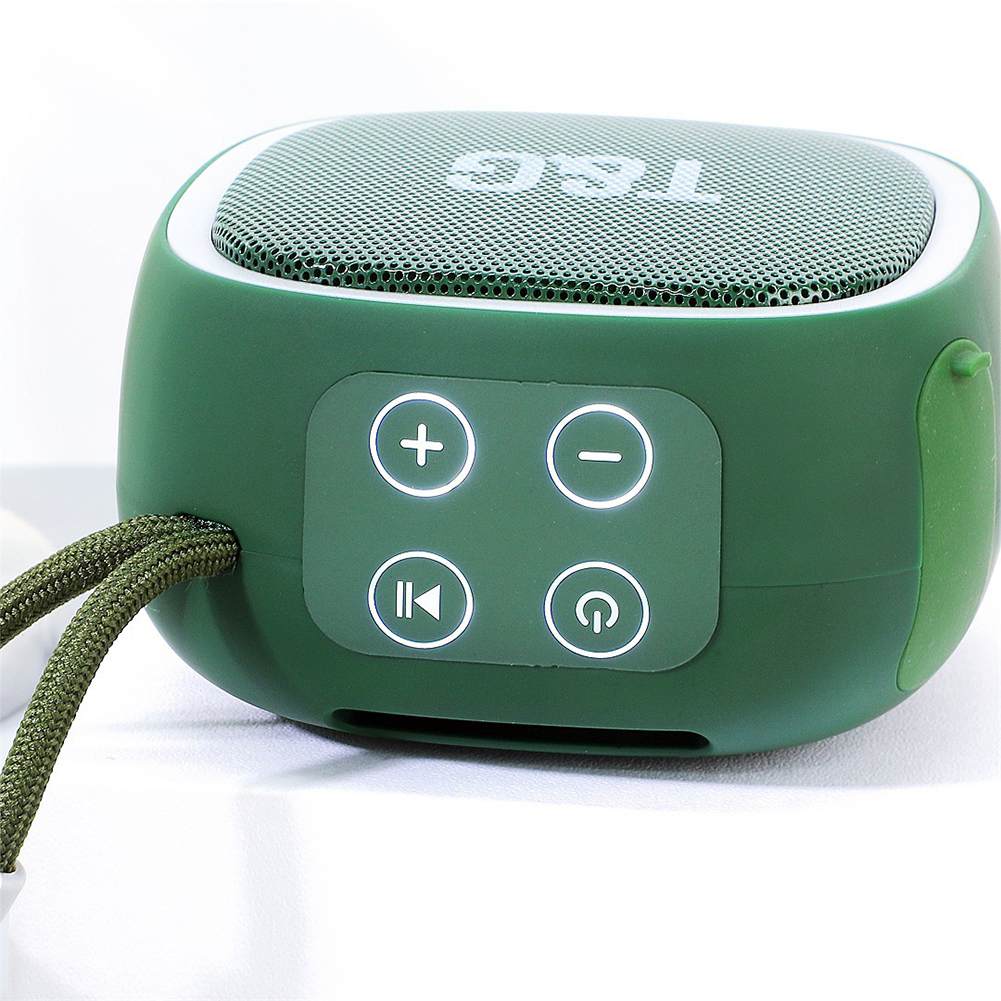
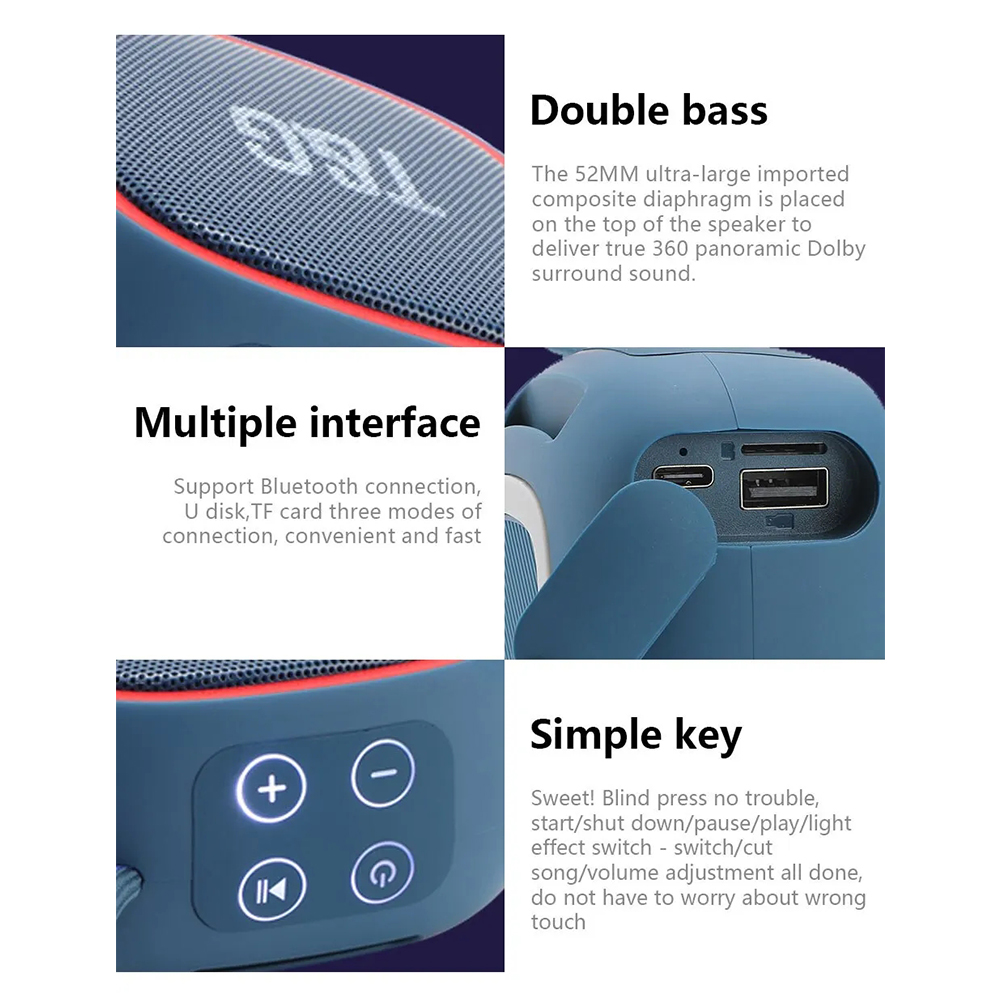
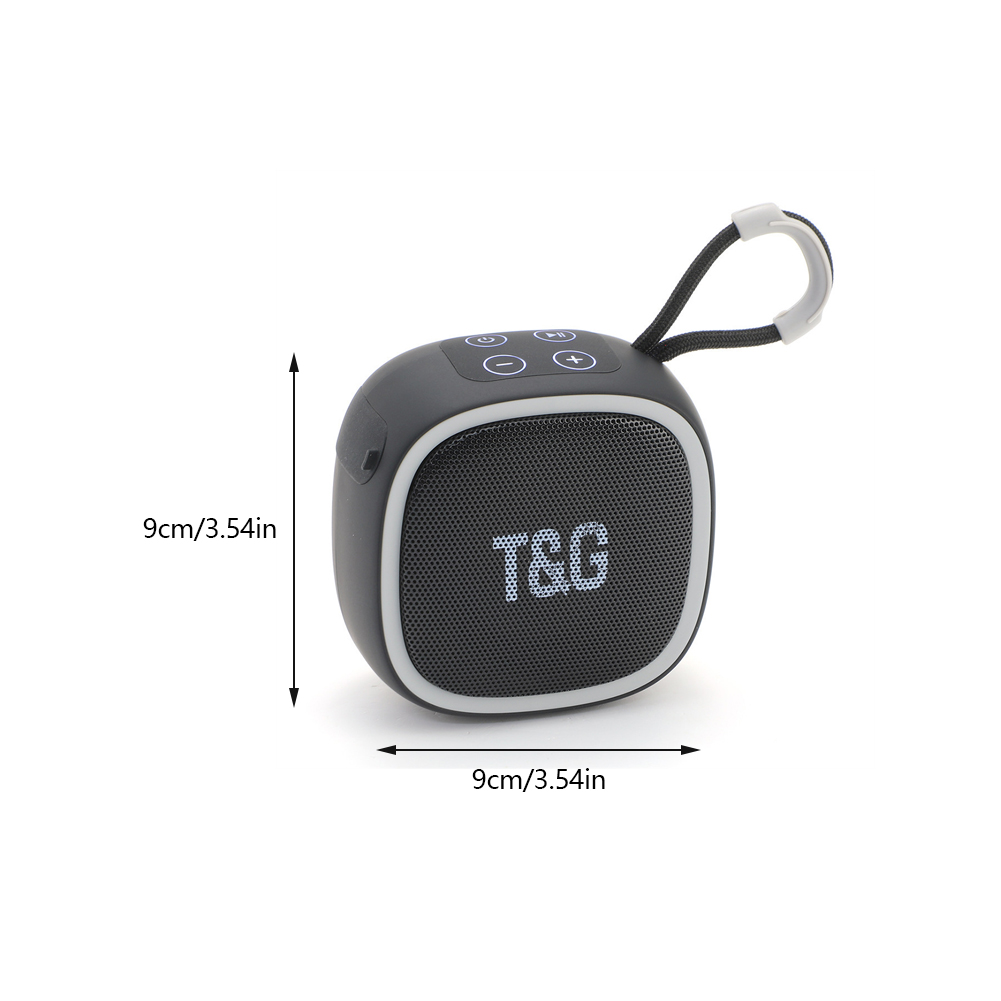
Function key operation introduction:
- 1. Switch music or FM: short press the M key
- 2. Previous/Next: Short press the volume key
- 3. Volume up/down: long press the volume key
- To enter FM radio mode:
- Short press "M key" to enter FM mode.
- 1. Short press the power button for the first time to automatically search, and the radio station will be automatically saved after the search is completed, please wait patiently. A second short press of the power button can stop the search early. (It will take a few minutes to search all stations. After the search is complete, you can press the volume buttons to switch to your preferred channel).
- 2. Switch channel: short press the volume key
- 3. Volume up/down: long press the volume key
- Note: In FM radio mode, the audio cable will be better when plugged into the charging port as an FM antenna.
- 2. Immediately after powering on, press and hold the M key of any speaker until the sound is emitted, which means the pairing of the speakers is completed.
Package List:
- 1 x Bluetooth Speaker
NO Retail box,Packed safely in Bubble bag.